



Safari: Secure, elegant, and very fast browsing.
Immerse yourself in the Safari universe, where web browsing comes to life at your fingertips. Enjoy an unparalleled visual experience, its unmatched integration with other Apple products, and cutting-edge security. Don't miss out on the ultimate web browsing experience! Download Safari today and start your digital adventure.
Safari: Explore the vast digital world with speed and style.
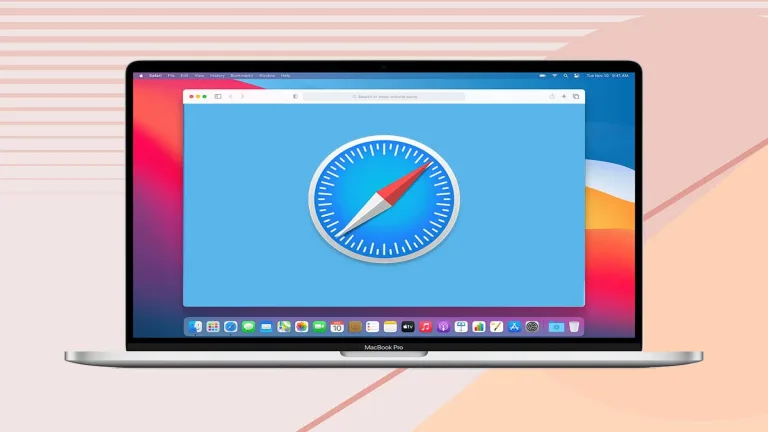
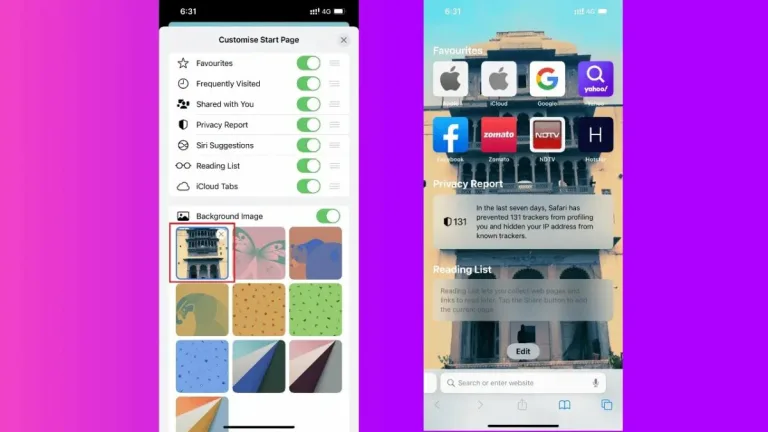
Safari, developed by Apple, is the default browser for iOS and macOS devices. Its main goal is to provide fast, secure, and efficient browsing. Among its many features, we find the "Reader" function, which allows you to view web articles without distractions and ads, or the default blocking of trackers. The user interface is intuitive and elegant, with a simplified navigation bar and seamless integration with the toolbar. Tabs and bookmarks are effectively organized, making navigation easy.
Safari stands out for its speed and stability. Its ability to handle multiple tabs at the same time, even with heavy pages, is remarkable. Additionally, the underlying technology optimizes battery consumption, making it ideal for both mobile devices and Mac computers.
Safari seamlessly integrates with the Apple ecosystem. For example, you can start browsing on your iPhone and continue exactly where you left off on your Mac. Furthermore, synchronization with iCloud allows you to access your bookmarks, reading lists, and open tabs on other devices with just one click. Every aspect of the application demonstrates the coherence and quality of Apple's design.
Thanks to its minimalist design, Safari offers a clear and comfortable user experience in every way. The features are accessible, and touch navigation on iOS devices is particularly intuitive. Safari is free and comes preinstalled on Apple devices. There are no built-in ads or in-app purchases.
The app is available on all Apple devices, including iPhone, iPad, and Mac. It has accessibility features such as the VoiceOver screen reader and zoom options, making it suitable for users with disabilities.
Although browsers like Chrome or Firefox also offer robustness and comparable speeds — if not better — Safari stands out for its seamless integration with the Apple ecosystem and its focus on user privacy and security.
A browser to browse with peace of mind
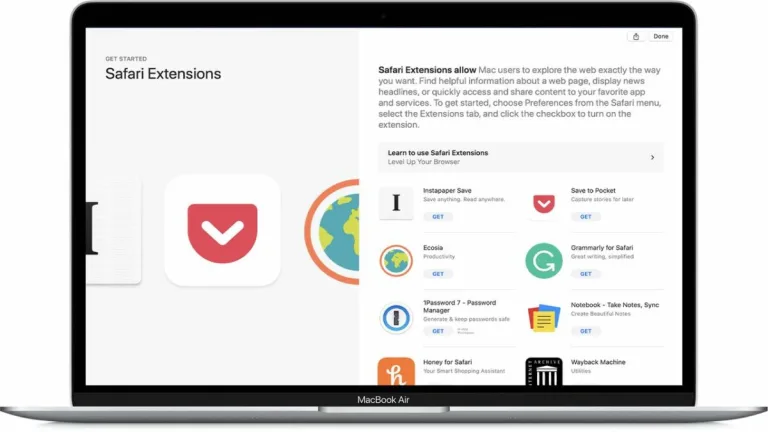
Safari combines the best of design and functionality to offer an unbeatable browsing experience, especially for those already immersed in the Apple world. Although some users may prefer the customization and extension catalogs offered by other browsers, Safari shines in its simplicity, speed, and commitment to privacy. The integration between devices is a great plus, allowing for a cohesive browsing experience. Overall, Safari is a high-quality browser and, although it may not be for everyone, those who value privacy, speed, and design will find it perfect for their needs.
FAQ:

























User reviews about Safari
by andres arturo ardila delgado
aanddress address ,A@NDRES A@RTURO A@RDILA D|>ELGADO ~Á^Á~Í>§ AAA, AAAD.TECNOLOGIA Á( ") Á(¿` ) Á('.' ) D(`~` )gracias
by StopTheChinazis.org
The word is "simple," not "simplistic." Simplistic means "excessively simple or simplified." It's derogatory.
by CaptainCaketown .
WASSUP i REALLY LIKE STUFF LIKE THIS I AM NOT A ROBOT i PROMISE
by Jimbo Gingerbread
it good aaaaaaaaaaaaaaaaaaaaaaaaaaaaaaaaaaaaaaaaaaaaaaaaaaaaaaaaaa
by Laurie Friend
it had easy directions to follow yes I would recommend to others
by Indar Ramdeen
I've downloaded & used satisfactorily SAFARI on my previous desktop but since the purchase of a laptop it was not downloaded & utilized.